
How to Use AI Tools for Daily Work: A Beginner’s Guide
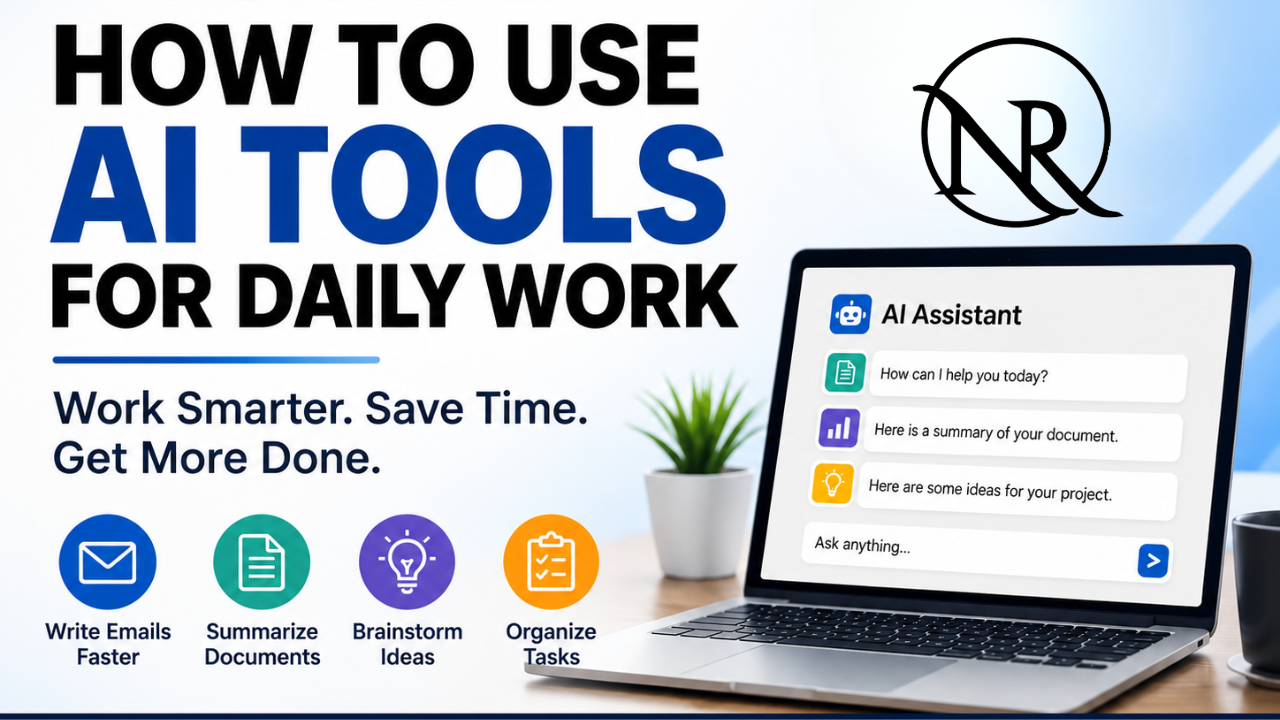
Artificial intelligence (AI) is making everyday work faster and easier. You do not need to be a programmer or technology expert to benefit from AI. Modern AI tools can help you write emails, summarize documents, brainstorm ideas, organize tasks, research topics, and create first drafts.
The best way for beginners to use AI is simple: start with one repetitive task and use AI to save time.
How Can AI Help With Daily Work?
AI is particularly useful for work that involves writing, reading, planning, summarizing, and organizing information. Instead of doing everything manually, you can ask an AI assistant to create a starting point and then review the results yourself.
Here are some practical ways to use AI every day.
1. Write Emails Faster
AI can quickly create professional email drafts.
For example, you could ask:
“Write a friendly follow-up email reminding a client to send feedback by Friday. Keep it under 100 words.”
You can also paste an existing email into an AI tool and ask it to make the message shorter, clearer, or more professional.
Always review the final email before sending it.
2. Summarize Documents
Long reports and documents can take time to read. AI can help identify the most important information.
Try asking:
“Summarize this document in simple language. Give me five key points, important dates, and any actions I need to take.”
AI summaries can save time, but important details should still be checked against the original document.
3. Brainstorm Ideas
AI can help when you need ideas for a project, presentation, marketing campaign, article, or business task.
Instead of asking, “Give me some ideas,” provide more context.
For example:
“Give me 10 simple marketing ideas for a small business with a limited budget.”
You can then ask AI to expand your favorite ideas into practical steps.
4. Organize Daily Tasks
If your to-do list feels overwhelming, AI can help you organize it.
You could ask:
“Organize these tasks into high, medium, and low priority based on deadlines and importance.”
AI can also turn your tasks into a suggested daily schedule. However, you should review the recommendations because AI does not always understand your real-world priorities.
5. Prepare for Meetings
AI can help before and after meetings.
Before a meeting, ask AI to create an agenda. After the meeting, provide approved notes and ask:
“Summarize these notes into key decisions, action items, responsible people, and deadlines. Do not invent missing information.”
This can make follow-up work much easier.
How to Write Better AI Prompts
You do not need complicated prompts to get useful results.
Use this simple formula:
Task + Context + Requirements + Format
For example:
“Summarize these customer comments for our weekly meeting. Identify the three most common complaints and three positive themes. Present the results as bullet points.”
Clear instructions help AI understand exactly what you need.
Popular AI Tools for Everyday Work
Several AI assistants can help with everyday productivity.
ChatGPT can assist with writing, brainstorming, research, planning, document analysis, and many other tasks.
Google Gemini can help with general AI tasks and works across parts of Google's productivity ecosystem.
Microsoft Copilot provides AI capabilities across Microsoft products and workplace workflows.
Claude can assist with writing, brainstorming, documents, and information analysis.
You do not need to use every AI tool. Choose one that fits the work you already do and learn it gradually.
Use AI Safely
Never assume that information is safe to share with an AI service.
Be careful with passwords, confidential company information, customer data, financial details, employee records, and personal information.
If you use AI at work, follow your organization's security and privacy policies.
You should also review AI-generated information before using it. AI can make mistakes, misunderstand instructions, or provide inaccurate information.
Conclusion
AI can help beginners save time on emails, documents, meetings, brainstorming, planning, and repetitive work.
Start with one AI tool and one simple task. Give the AI clear instructions, review its response, correct any mistakes, and improve your prompt.
The goal is not to let AI do everything for you. Instead, use AI to reduce repetitive work so you can spend more time on creativity, communication, problem-solving, and important decisions.
When used responsibly, AI can become a valuable everyday assistant that helps you work smarter and save time.